About BlinkClass
BlinkClass is a web platform where Korean middle and high school teachers build interactive lessons, present them in class, and have students take part from their own devices. Founded September 2026. Contact: admin@blinkclass.kr
BlinkClass puts a whole lesson in one flow
Presentation, live quizzes, Bling Board for sharing ideas, and XP and coin rewards follow one another inside a single lesson, without switching apps. The teacher moves from a slide to a quiz to a board and back, and students stay on the same screen on their own devices.
What it is and who it is for
BlinkClass is for teachers and students in Korean middle and high schools. A teacher prepares a lesson as a sequence of scenes, shows it on the classroom projector, and students follow along and answer on tablets or phones after entering a class code.
What works today
- Lesson editor. Build and edit a lesson scene by scene, with reveal steps, activities and speaker notes.
- PowerPoint import. Bring an existing .pptx file in as an editable lesson.
- Presenter screen. The teacher runs the lesson from a console while the projector shows the class view. Students join with a 6-digit code or a QR code.
- Bling Quiz. Live quizzes on the projector, answered from student devices, played individually or in teams.
- Bling Board. Collect student responses as messages, posts, word clouds and other layouts, with a projector view.
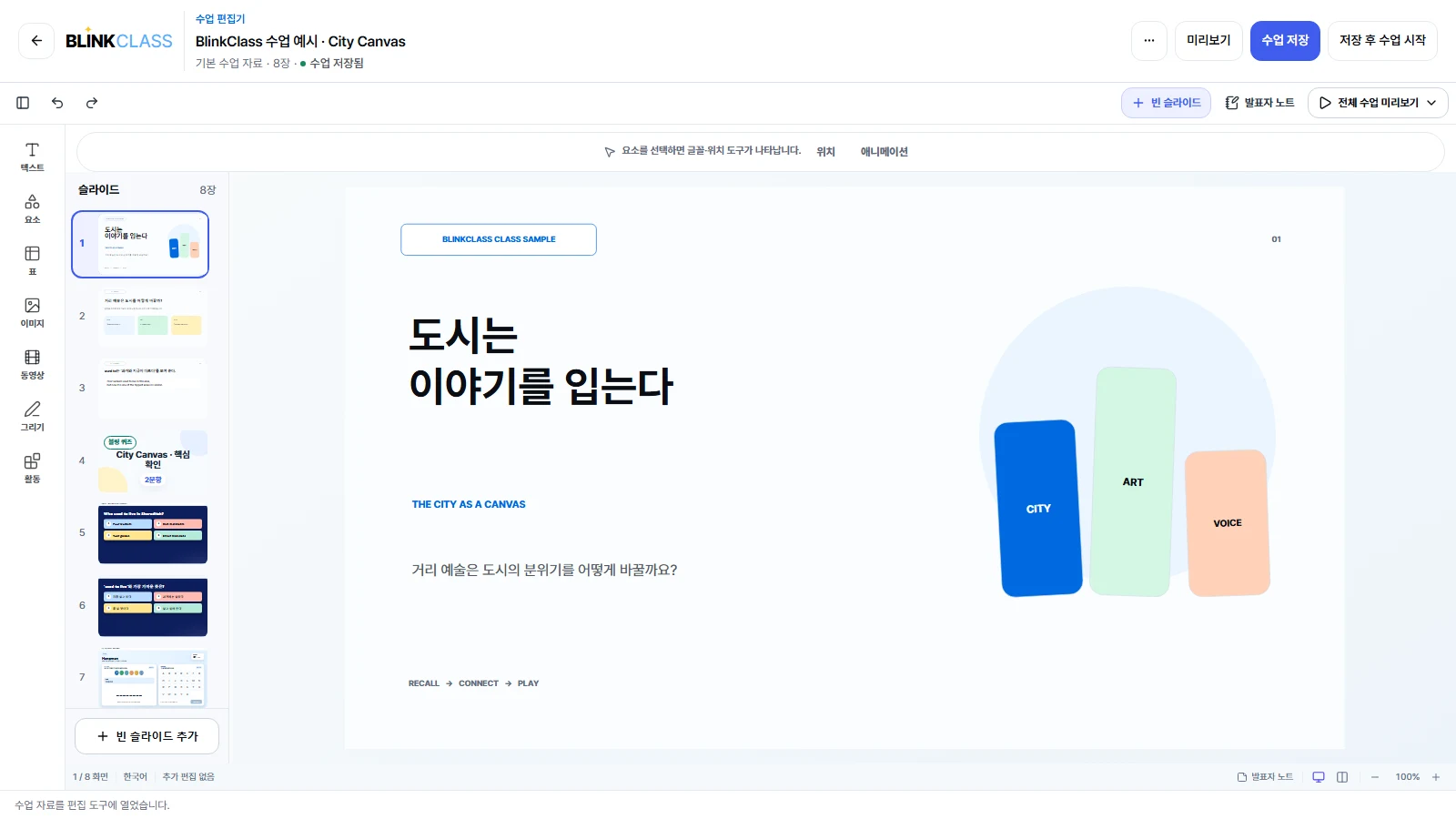
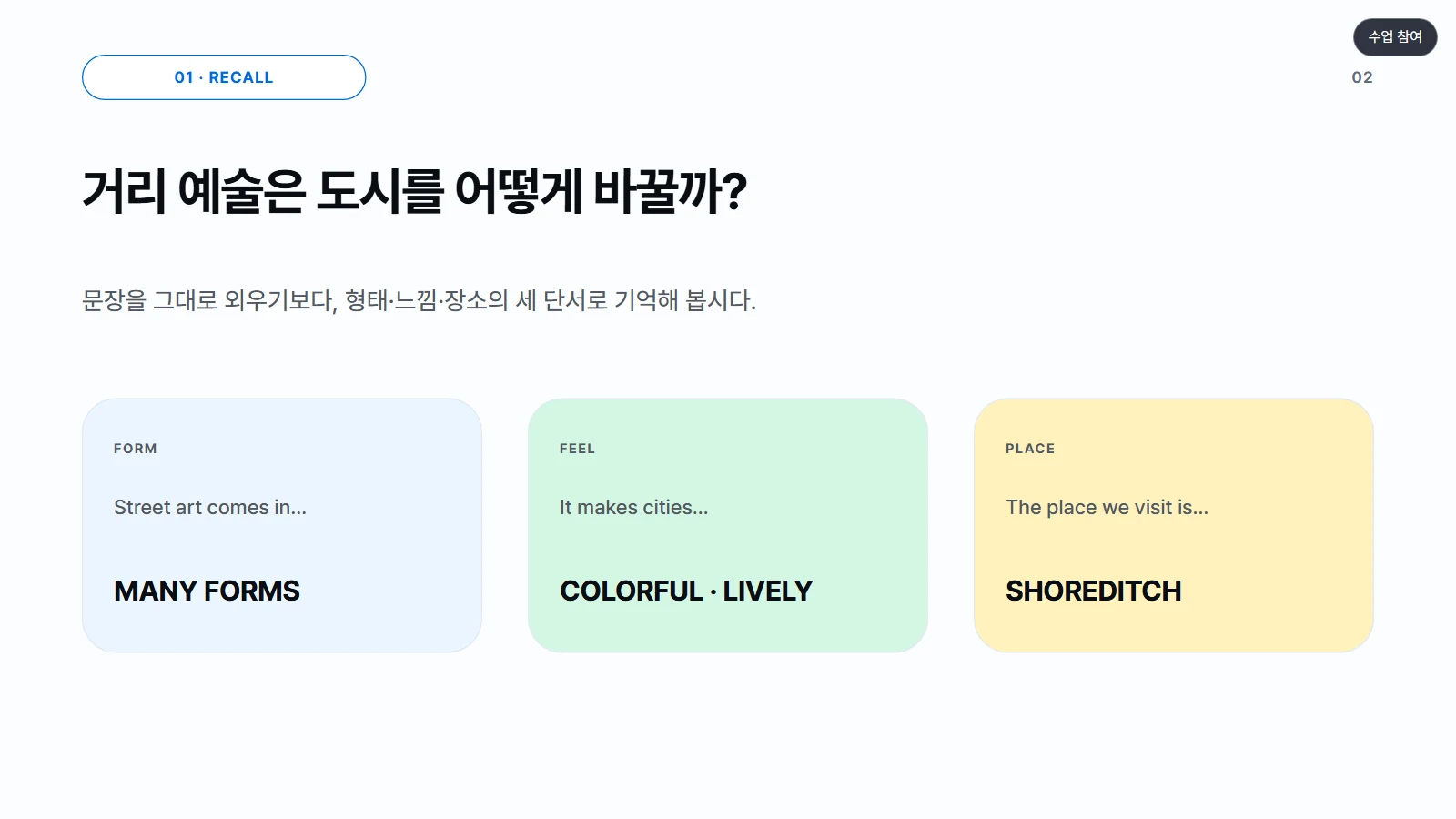
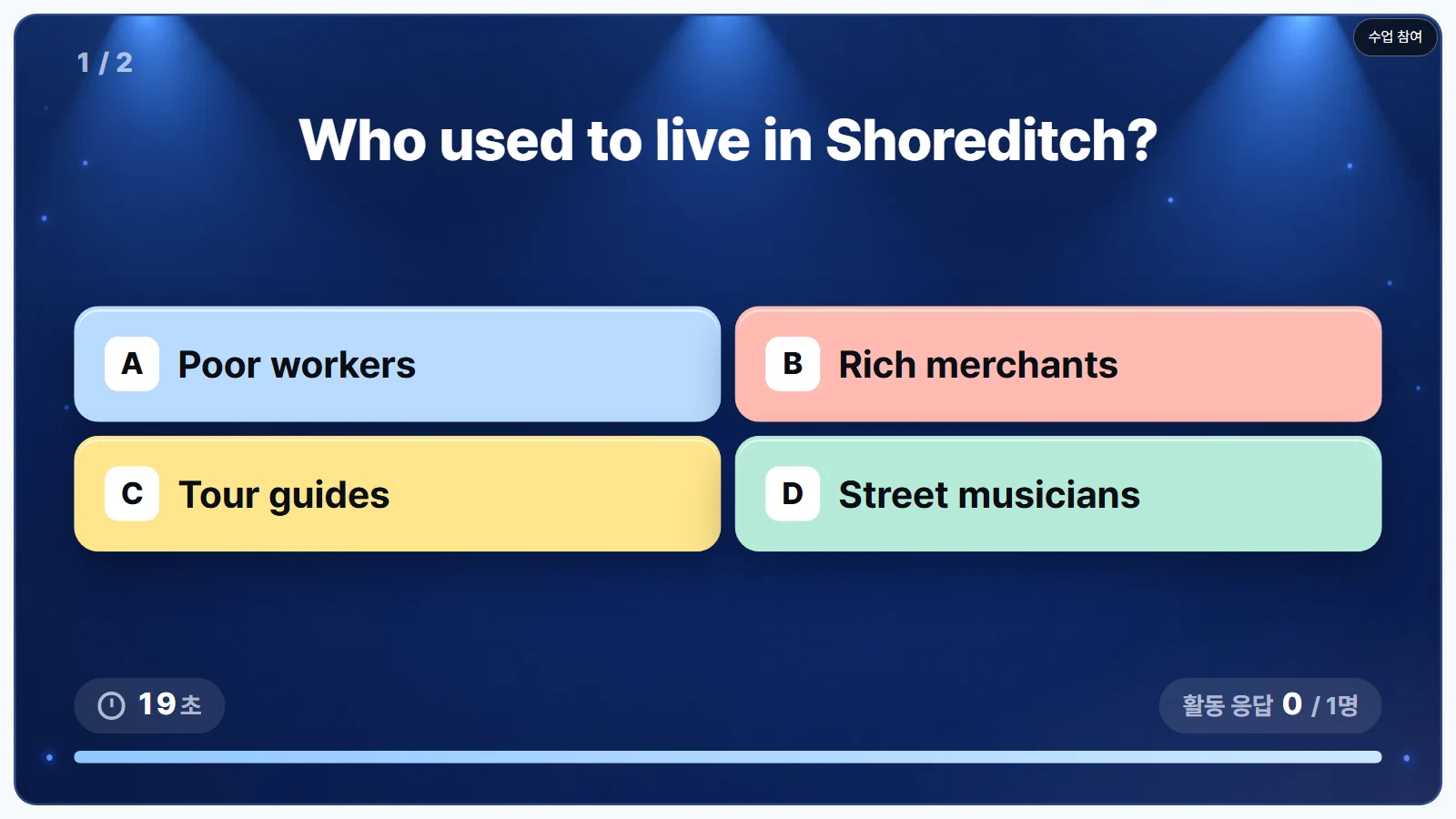
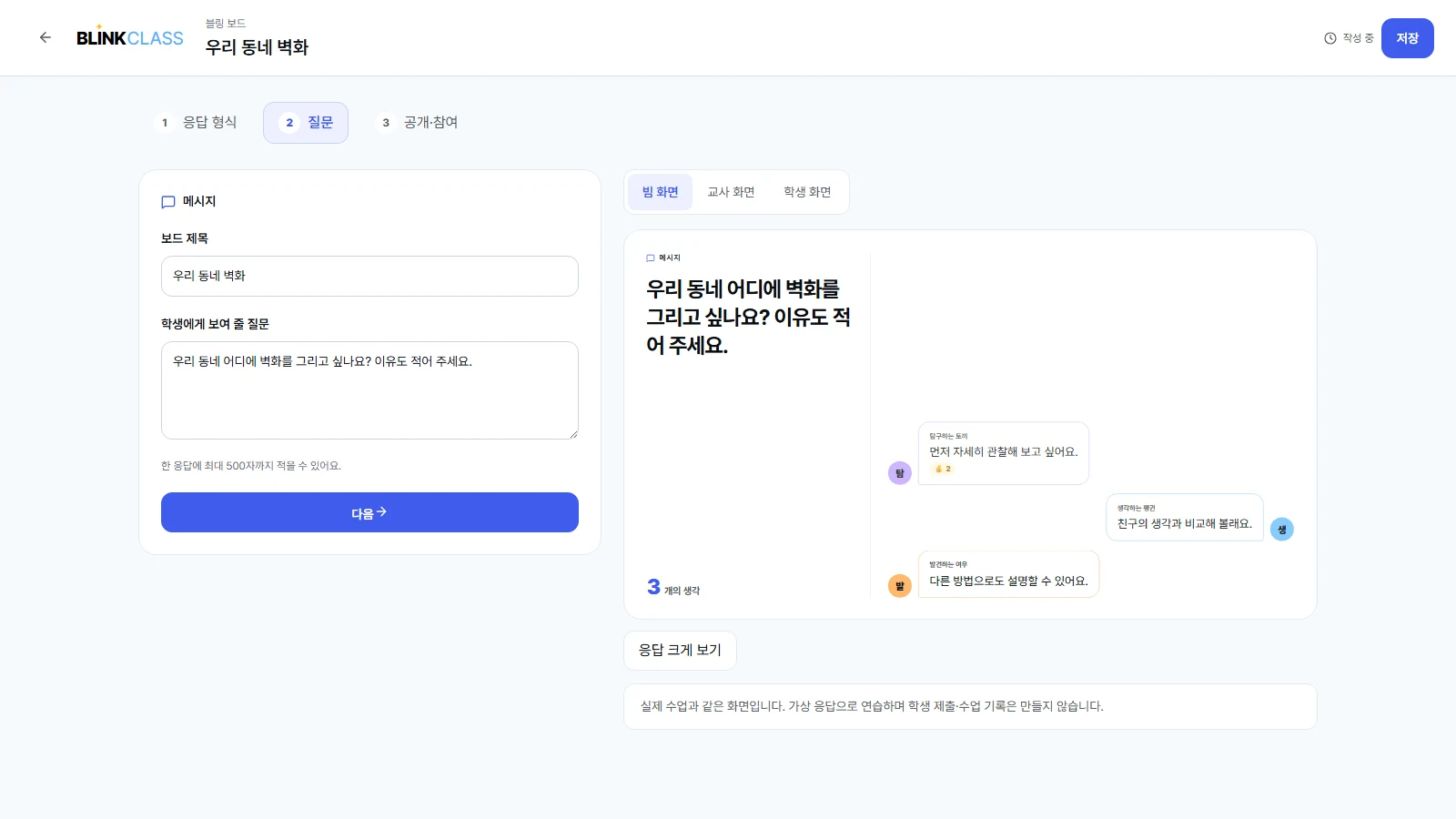
Screenshots are from the app's demo mode with sample content only.
Development timeline
- Development began
First commit of the lesson platform.
- PowerPoint import and presenter view
Lessons can be imported from PowerPoint and run on a projector.
- Live quizzes
Students answer quiz questions from their own devices.
- Dual-screen presenter console
Teacher console and projector view on separate screens.
- BlinkClass founded
Privacy policy notice dated 2026-09-26.
- blinkclass.kr in production; Bling Board
The production site went live and Bling Board was added to lessons.
- First recorded use in a real lesson
Used in a school class with the school's privacy approval.
- Fixes from classroom use released
Steadier live updates when a whole class joins at once, plus spreadsheet quiz import.
Weekly changes are listed in the changelog.
Current stage
BlinkClass is in beta at blinkclass.kr and free to use. The school's privacy approval for the 2026 school year is in place, and since October 2026 it has been used in real lessons at one school. We are fixing what those lessons showed before widening the pilot to more classes.
Who builds it
BlinkClass is built by JONGGEUN KIM. Questions and feedback: admin@blinkclass.kr.
How we build with Claude
BlinkClass is built by a solo founder with Claude Code. Claude Code has played a large part in tying presentation, live quizzes, Bling Board and XP and coin rewards into one real-time lesson flow, working on the editor, live quiz, database and tests. Those commits carry a Co-Authored-By: Claude line.
Planned: a Claude API feature that turns a teacher's lesson goal into a draft lesson, quiz and activities, and AI feedback activities on student writing and speaking. The app has no AI features today.
Safety
- AI drafts will go to the teacher only. Nothing reaches students until the teacher has reviewed and published it.
- AI lesson drafting will use only the teacher's lesson goal and materials.
- Planned writing and speaking feedback will process only student responses, without names or other identifying information, and a student sees the feedback only after the teacher has reviewed it.
- Students do not chat with Claude or any other AI.
- Before this feature launches, the privacy policy will be updated to cover outsourced processing and international transfer, and the school's approval process will be completed.
- Real student names are used only after the school's privacy approval, and offline presentation copies contain no student data.
See the privacy policy and terms of service.